AI Website Builder
Create a website or web app from a prompt, refine it in chat, and publish it with a shareable link. No coding required.
How to create a website with AI
Go from a short brief to a published website in three conversational steps.
1. Describe your website
Tell Julius what the site is for, who it serves, which sections it needs, and the visual style you want.
2. Generate and refine
Julius builds the site for you. Ask for changes to the copy, layout, colors, images, or interactions in plain English.
3. Publish and share
Preview the finished website, publish it to a Julius site link, and share it with anyone.
Create and edit websites with AI
Start with natural language instead of a blank canvas, then keep improving the same site in chat.
Generate a website from a text prompt
Describe the audience, sections, content, and visual direction. Julius turns the brief into a working website with layout, copy, styling, and interactions already in place.
No-code website design in chat
Change the result by describing what you want. Ask Julius to rewrite a headline, reorganize a section, adjust the colors, add motion, or make the layout work better on smaller screens.
Build interactive websites and web apps
Go beyond a static page. Create working tools, games, dashboards, and data visualizations with buttons, controls, animation, and browser-based logic.
Publish your AI-built website
When the site is ready, publish it from Julius and get a public link you can share. The website and the conversation used to improve it stay in the same workspace.
AI website examples made in Julius
Preview real sites created in Julius, then copy a prompt and adapt it to your own idea.
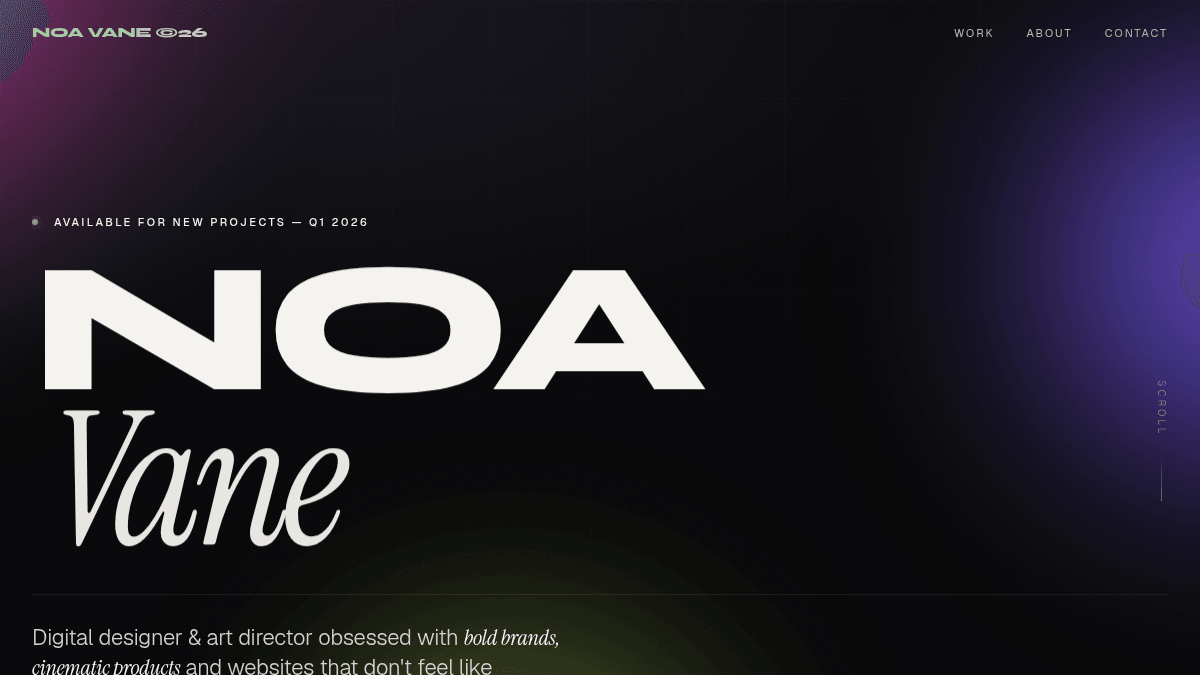
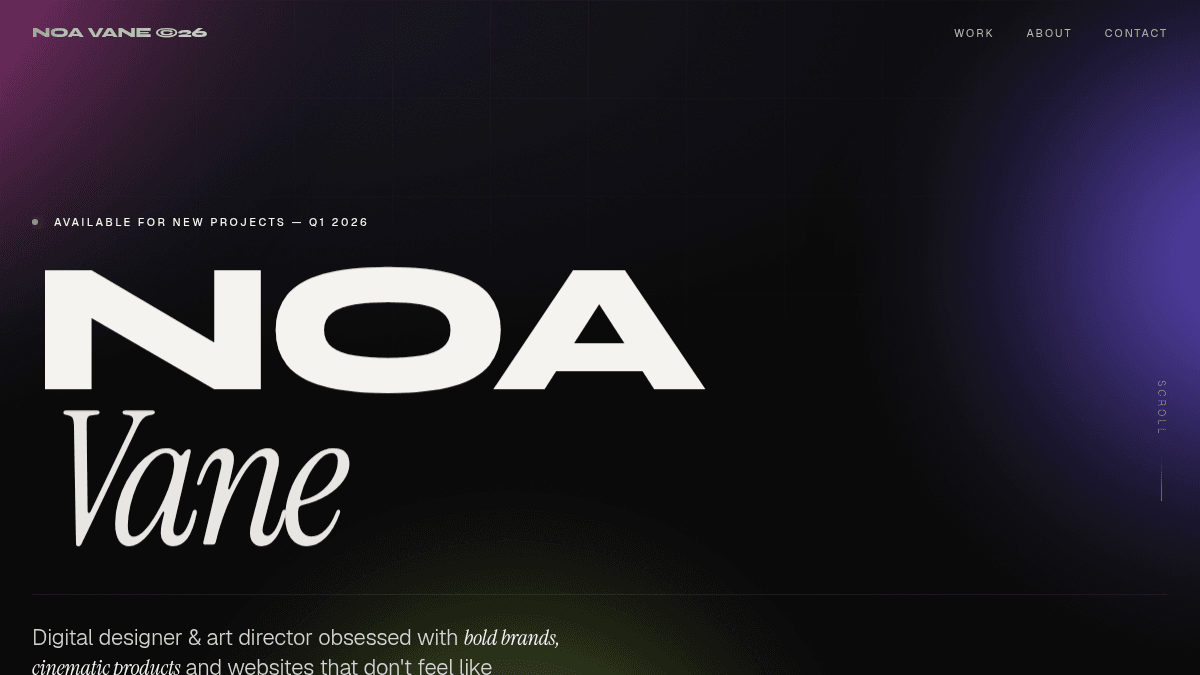
Creative portfolio
A cinematic portfolio with project cards, motion, and a contact section.
Create a visually stunning portfolio website for a creative developer. Fullscreen hero that feels alive: deep black background with a slowly moving violet-to-cyan gradient glow, the name in massive display type animating in letter by letter, and a glowing "View Work" button. Add a scrolling marquee of skills at the bottom of the hero, a selected-work section with large project cards that tilt on hover, an about section with a stats row, and a footer with oversized "LET'S TALK" text. Everything animates in on scroll. Bold, cinematic, no white background anywhere.
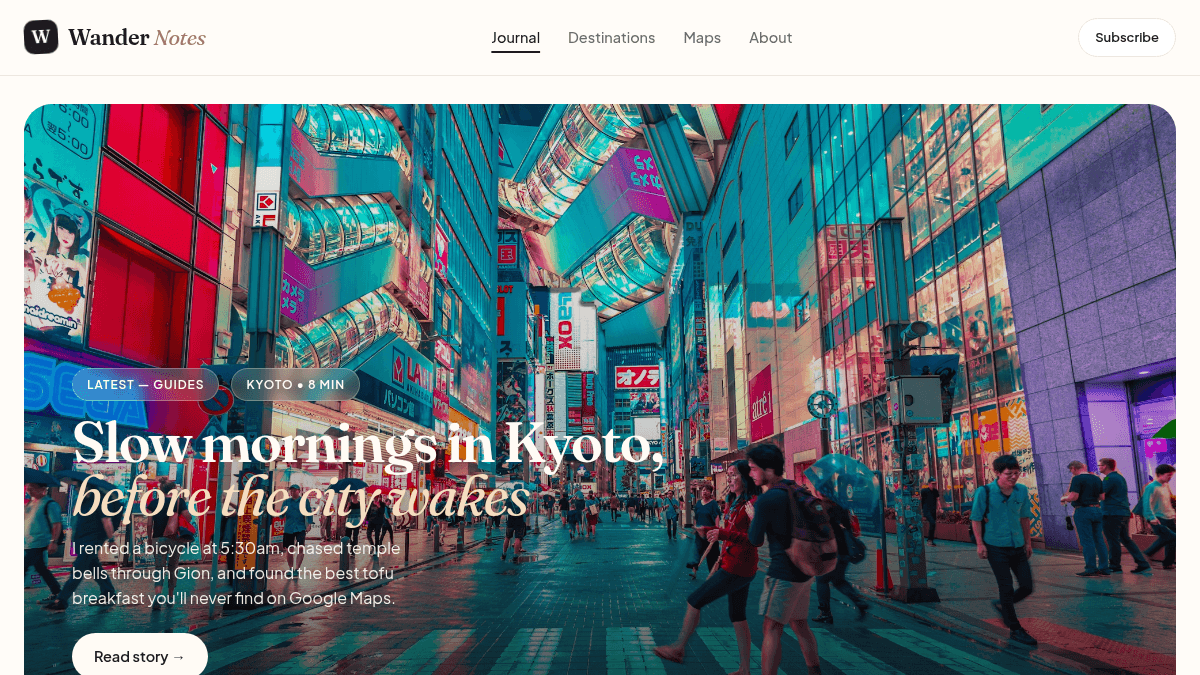
Travel blog
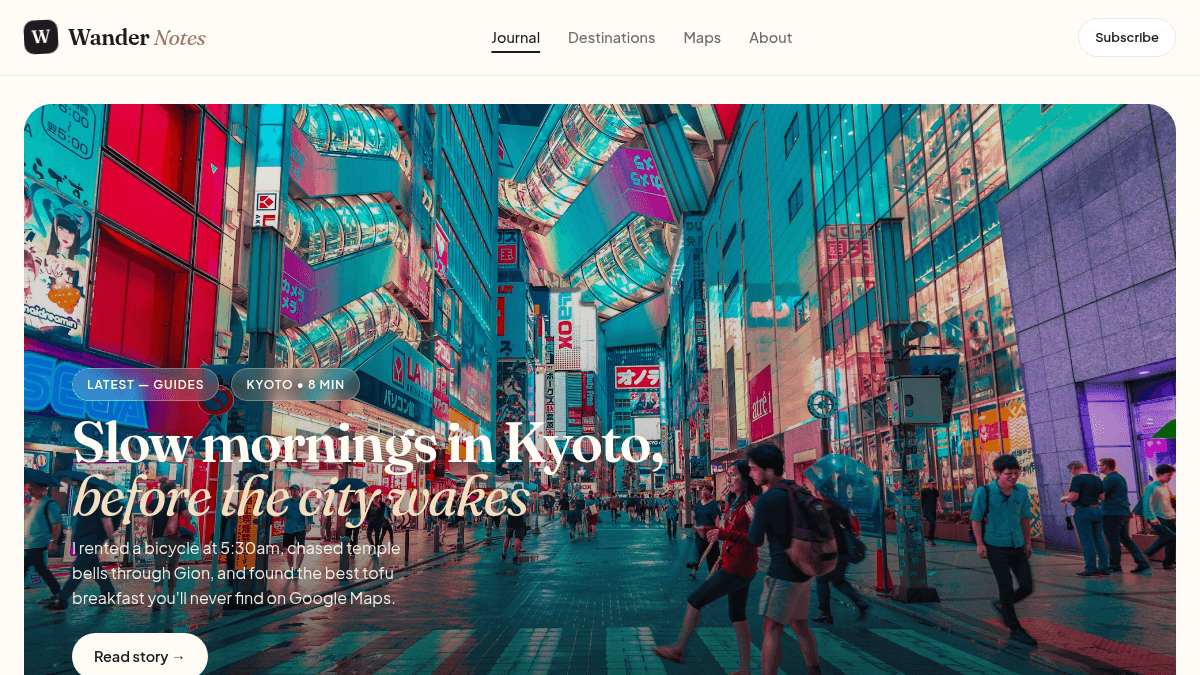
An editorial travel blog with destinations, categories, and a newsletter form.
Create a travel blog called "Wander Notes". Include a hero featuring the latest post with a large image and title overlay, a grid of destination cards (Japan, Portugal, Peru, Iceland, Morocco, Vietnam) each with an image, country tag, read time, and excerpt, a category filter bar (Guides, Food, Budget, Photography), an about-the-author sidebar card, and a newsletter signup band. Use an airy editorial style: white background, muted earth-tone accents, big imagery, and a friendly rounded sans-serif.
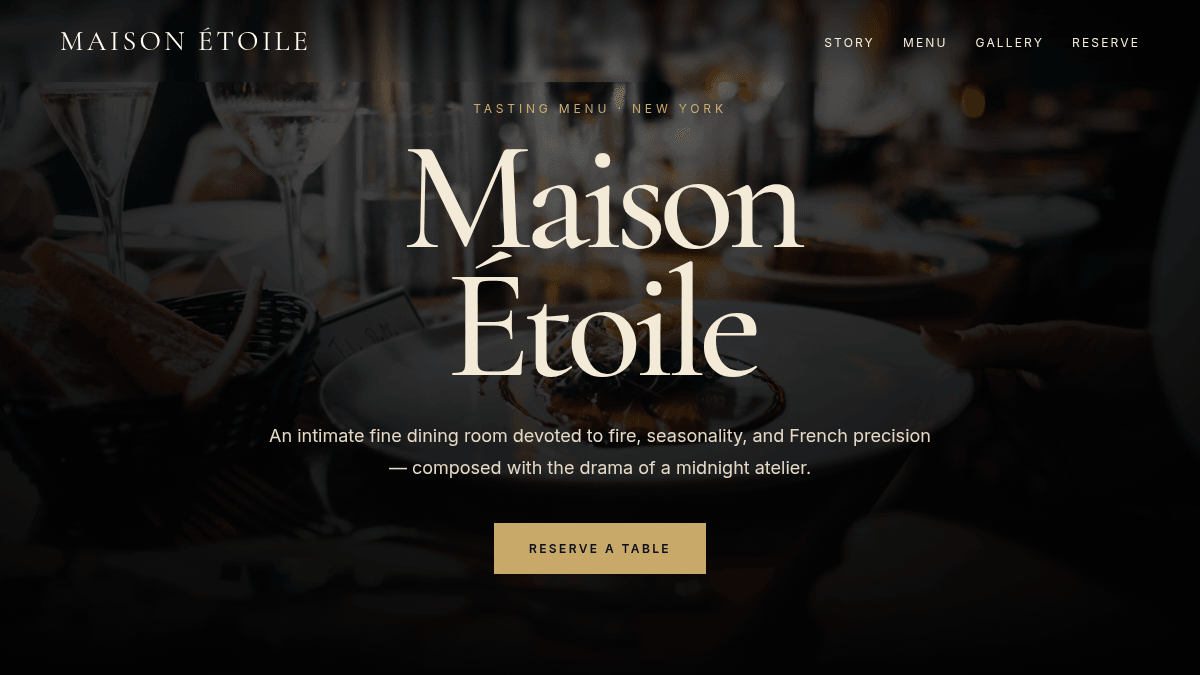
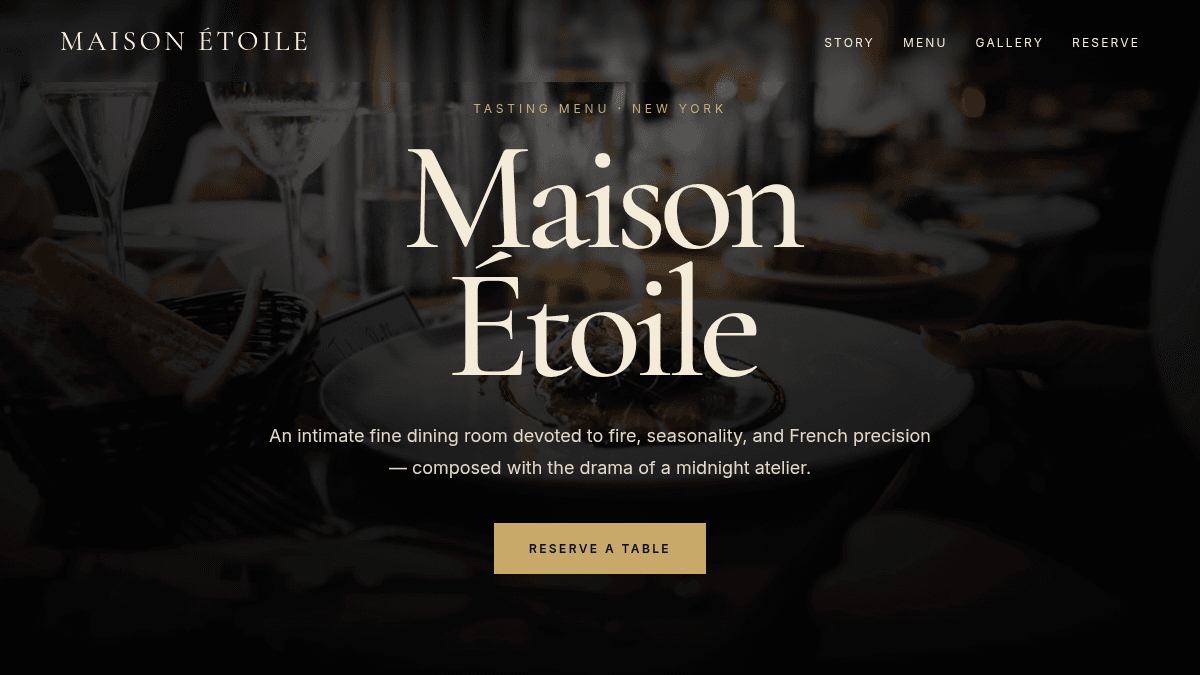
Fine dining restaurant
A polished restaurant site with a menu, gallery, hours, and reservation call to action.
Create a high-end, modern website for a fine dining restaurant. Fullscreen cinematic hero: a full-bleed atmospheric image with dark overlay, the restaurant name in oversized elegant serif animating in, and a "Reserve a Table" button. Include a menu with prices, an image gallery, a short story section, and a footer with hours and location, all fading in on scroll. Premium, Michelin-starred editorial feel with rich dark tones and no empty areas.
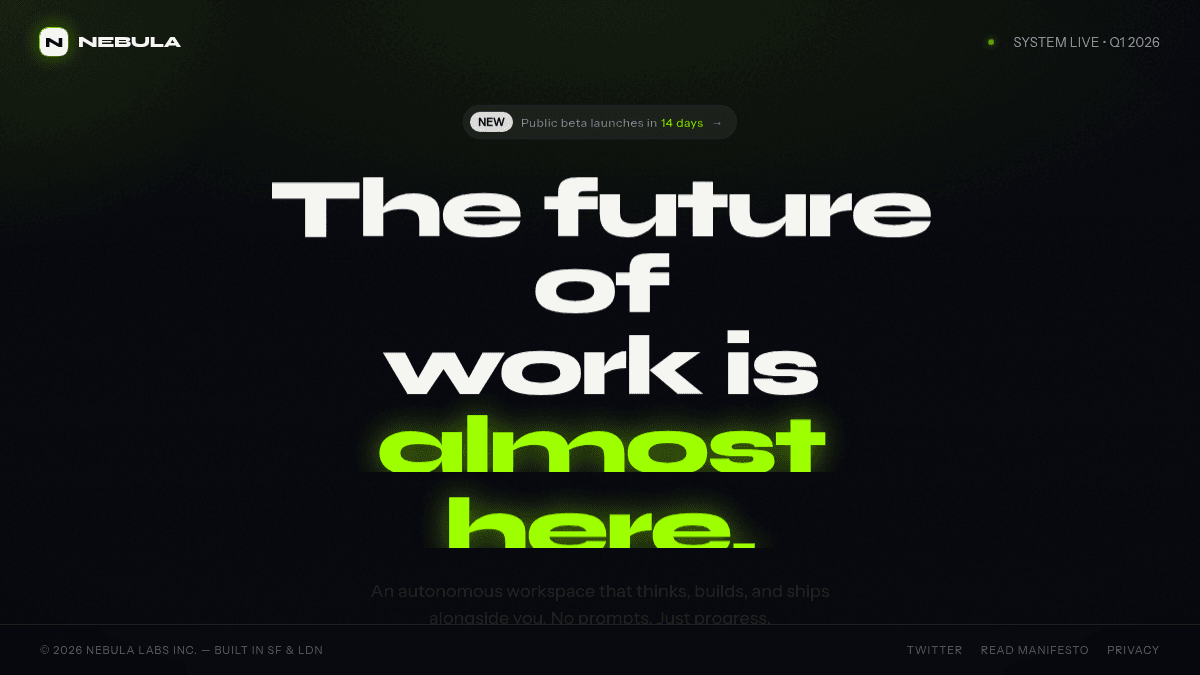
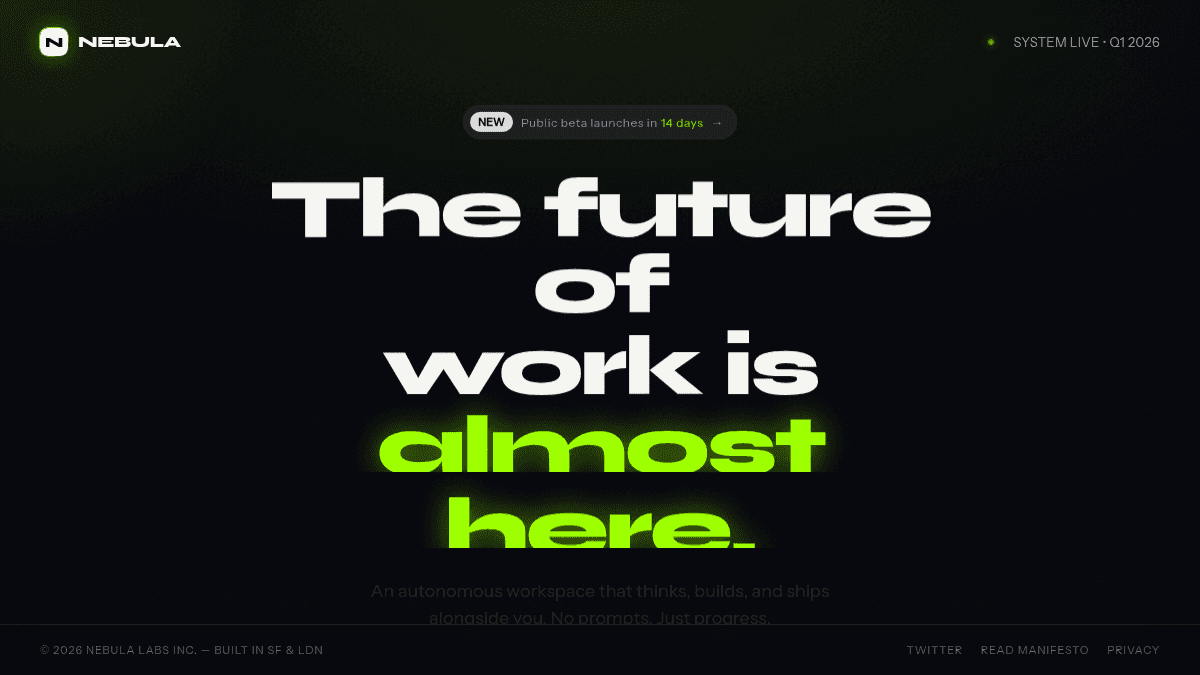
Startup coming soon
A focused launch page with an animated hero and email waitlist.
Create a stunning "coming soon" page for a startup. Single fullscreen viewport with an interactive animated background: floating particles or a flowing gradient mesh that reacts to mouse movement. Center a bold headline animating in on load, a one-line subheadline, an email waitlist input with a glowing "Join the waitlist" button, and a social proof line with an avatar stack. Dark, premium, futuristic feel with one neon accent color.
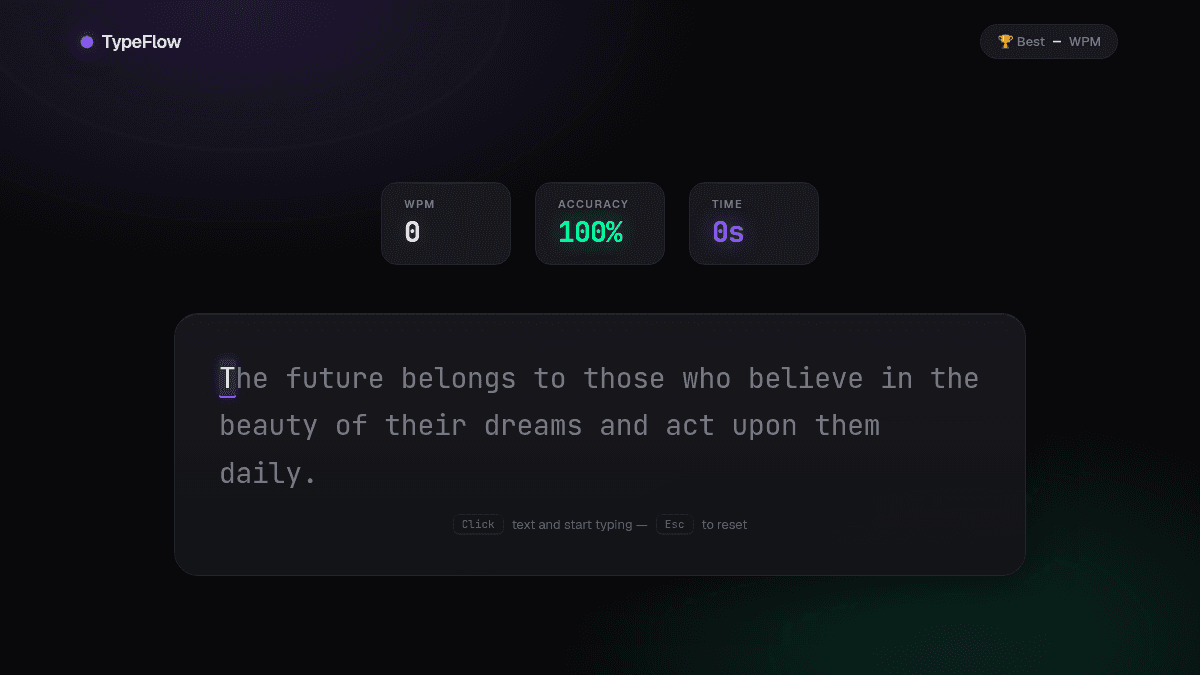
Typing speed test
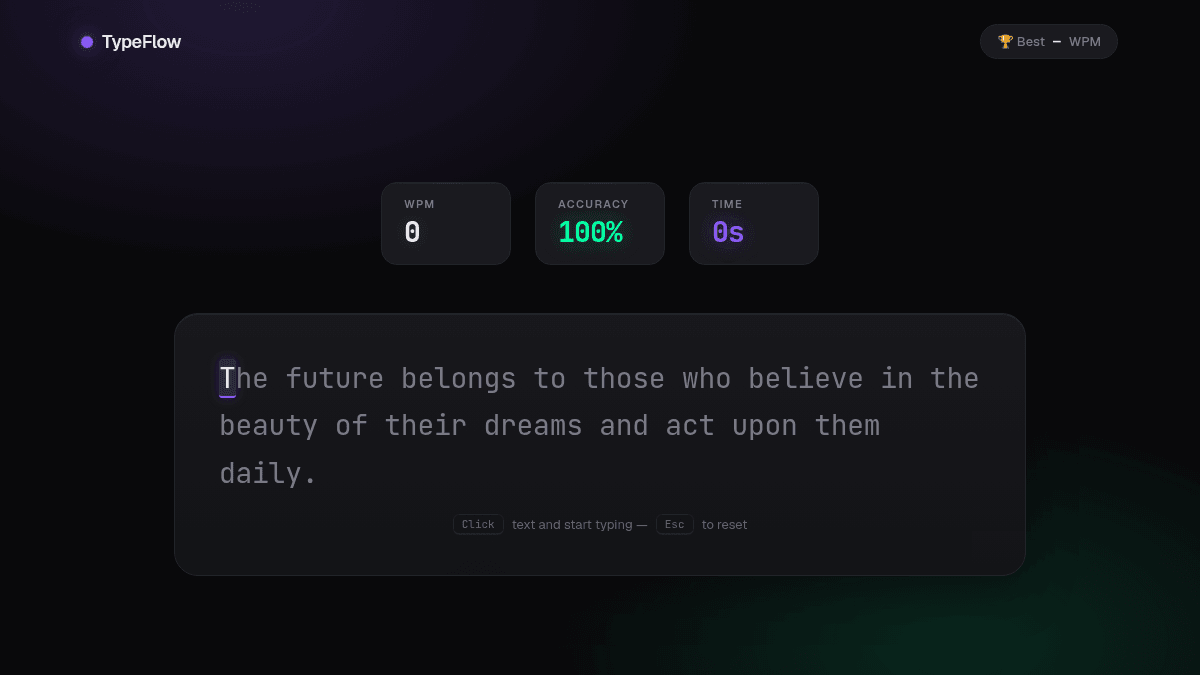
A functional typing game with live WPM, accuracy, and saved high scores.
Build a fully functional typing speed test web app. It must actually work: show a random sentence, highlight each character green or red as I type, and live-update WPM and accuracy counters while typing. When the sentence is finished, show a results screen with WPM, accuracy, and a "Try again" button that loads a new sentence. Track my best score with localStorage and display it. Dark, sleek, modern design with a large monospaced text area, glowing accent color, and smooth animations between states.
Minecraft-style game
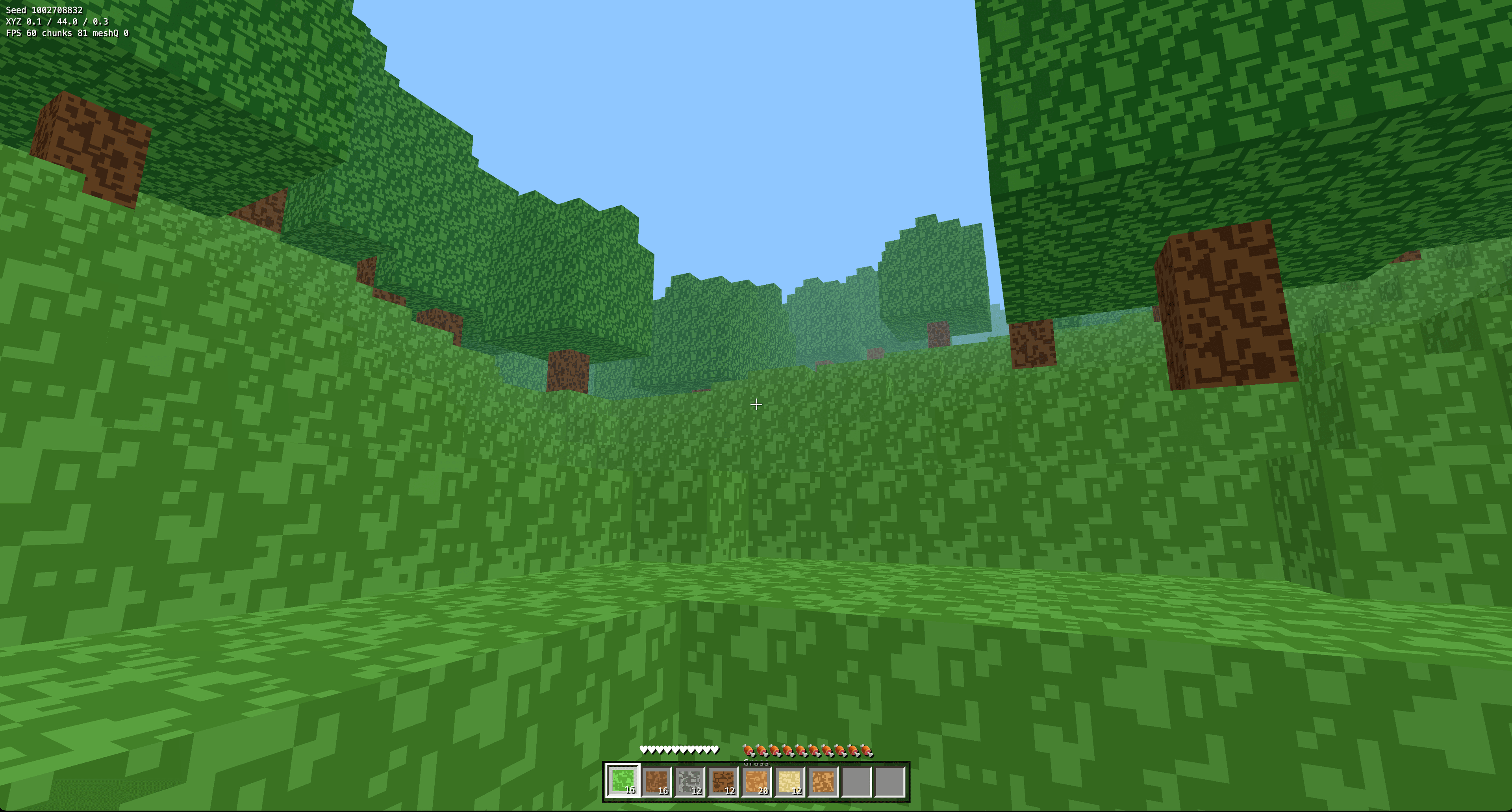
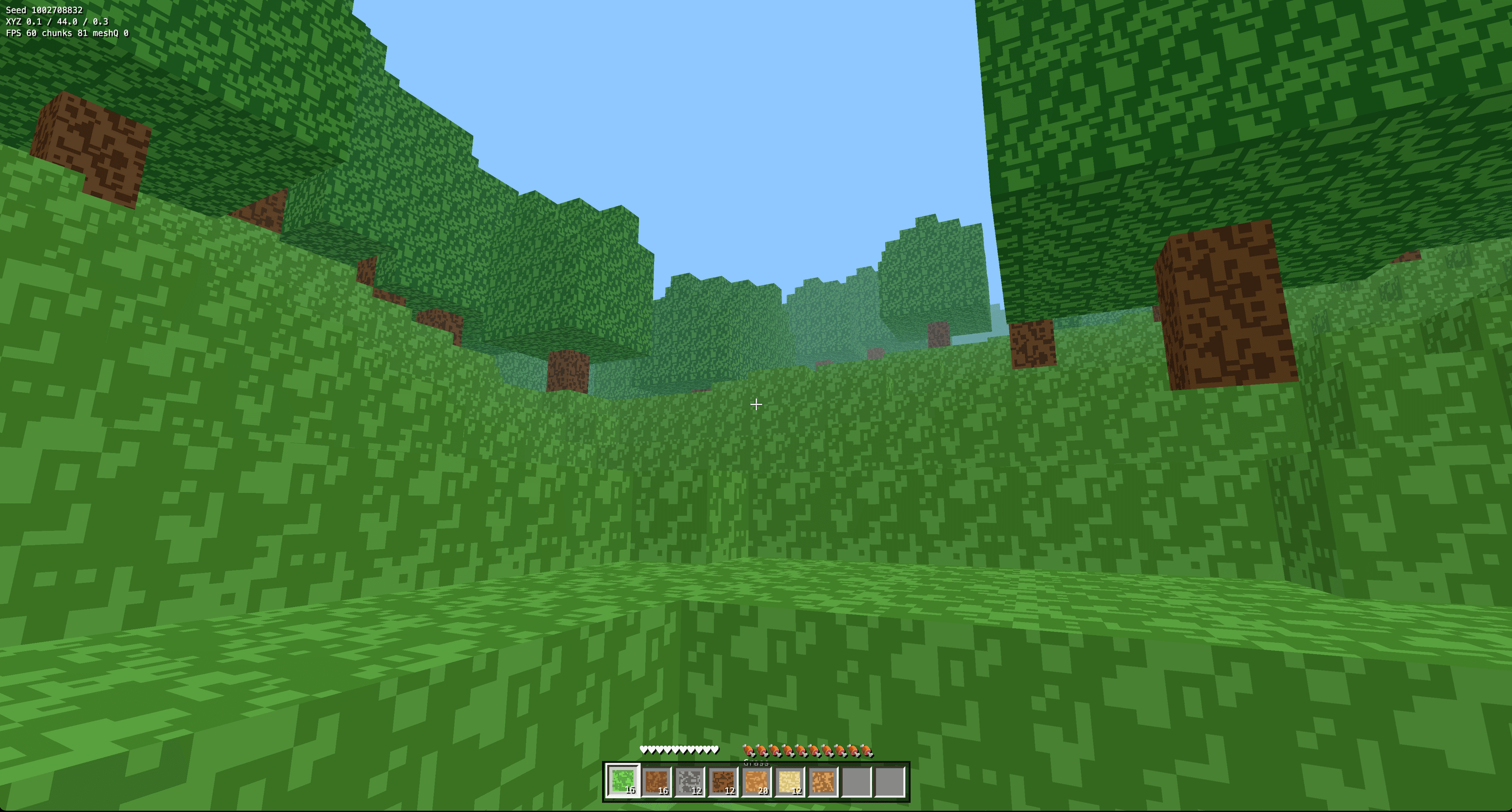
An interactive voxel game with procedural terrain, inventory, and controls.
Build a Minecraft-style voxel survival game as one self-contained HTML file using Three.js (importmap CDN): chunk-based world in Uint16Arrays rendered as one combined mesh per chunk with only visible faces (never one mesh per block), a single procedural texture atlas built once at startup (no remote textures, no atlas rebuilds mid-game, green-tinted leaves), random-seeded terrain with hills, beaches, ores, and trees. Feet-based player position, fixed-timestep AABB physics resolved axis-by-axis, movement from camera.getWorldDirection (not yaw trig), queued jumps. DDA raycast targeting, hold-to-break by hardness, right-click place blocked inside the player, drops straight to a 36-slot inventory with 9-slot hotbar and 2x2 crafting (E key). HUD with crosshair, hearts, debug XYZ/FPS, R respawn, and a start button wired via addEventListener after init with pointer lock in try/catch.
Particle word art
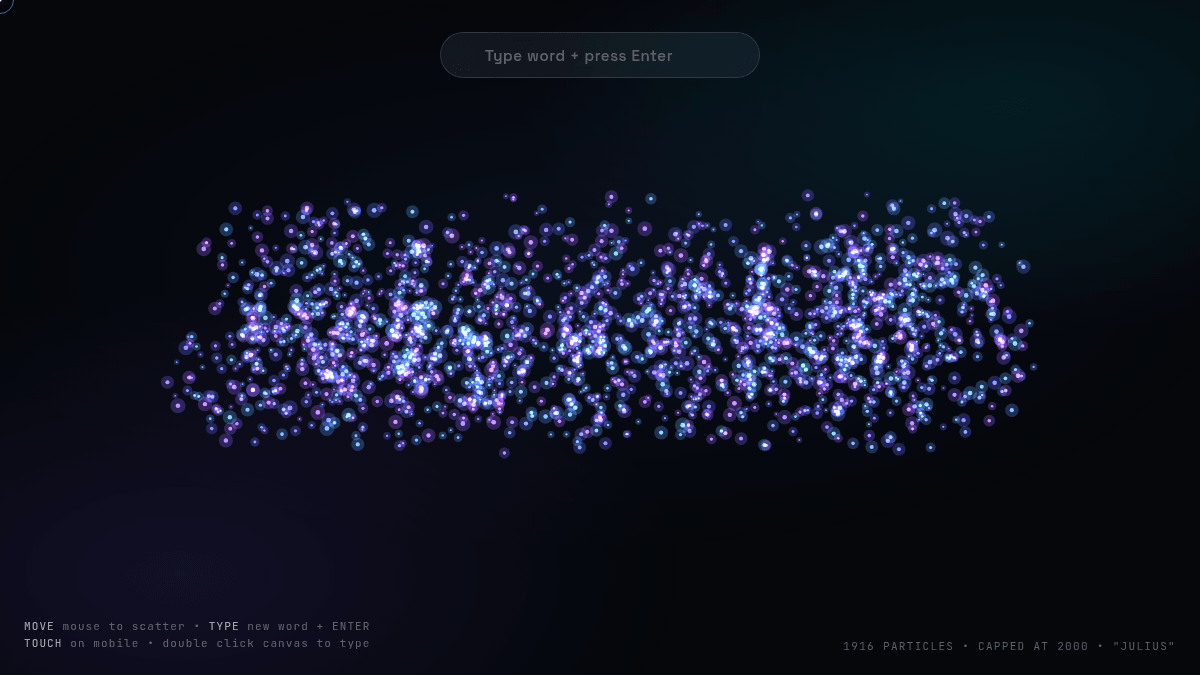
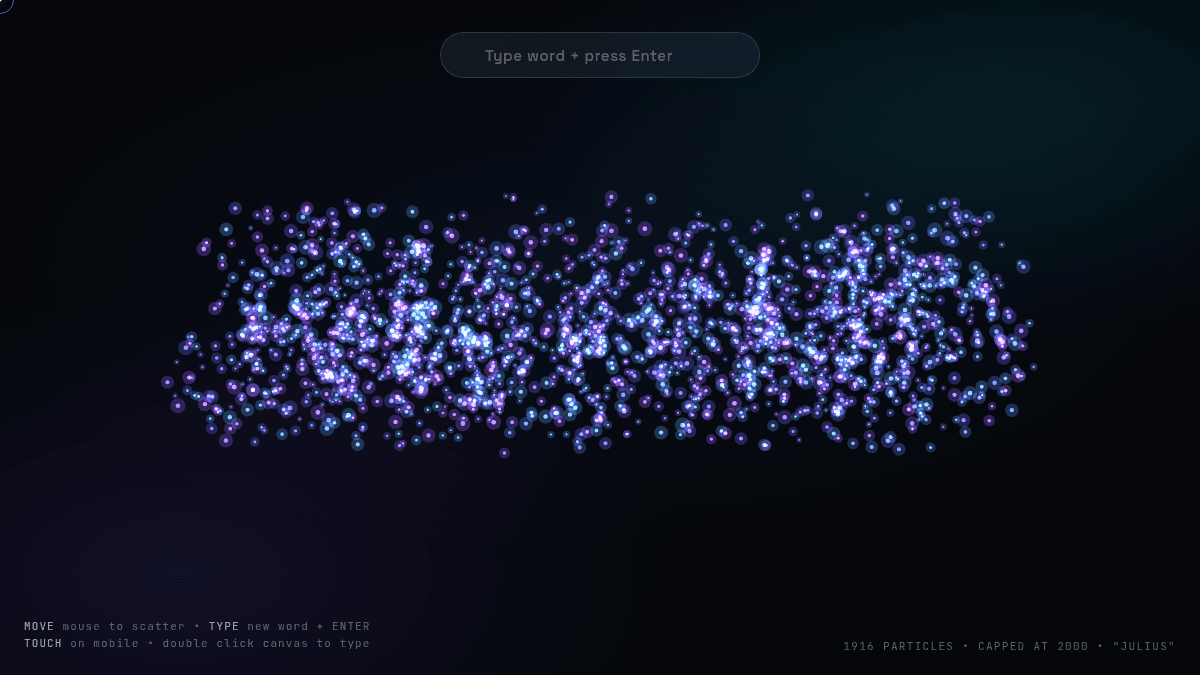
Interactive canvas artwork that responds to the pointer and typed text.
Create a fullscreen interactive particle animation on a 2D canvas. Glowing particles assemble into a large word on a dark screen, scatter away from the mouse with smooth physics, and drift back. Add subtle idle motion and a text input to morph the particles into a new word. Cap it at 2,000 particles max with no particle-to-particle interactions, so it stays buttery smooth and never freezes the browser.
Bar chart race
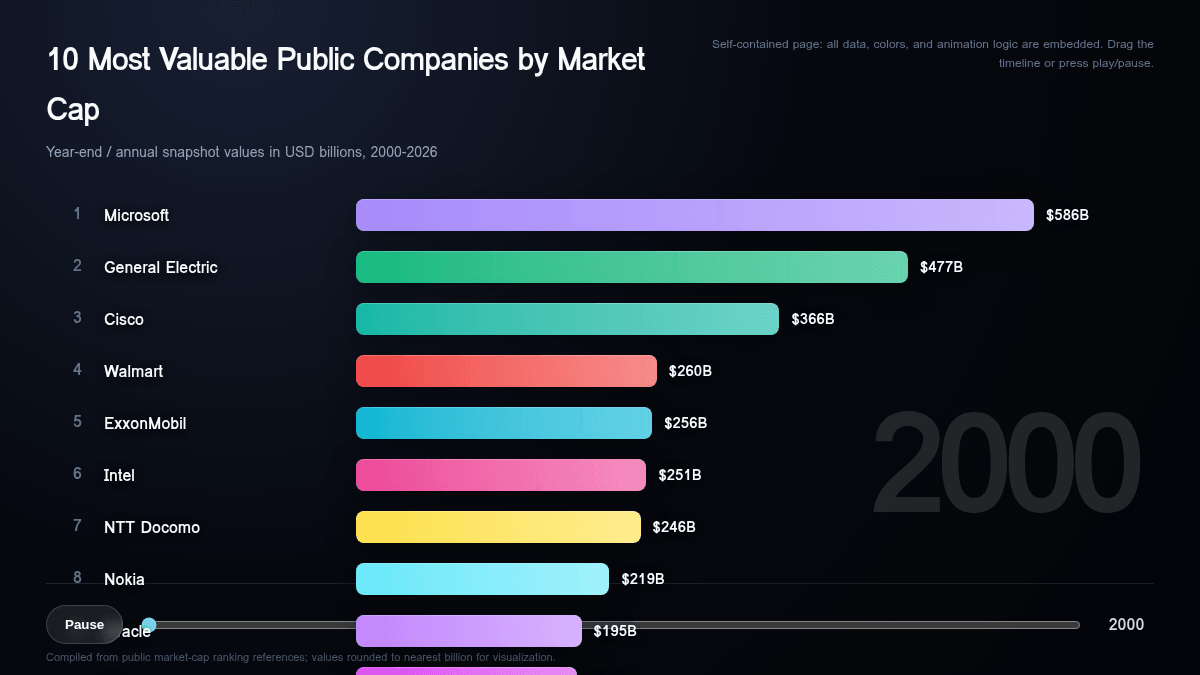
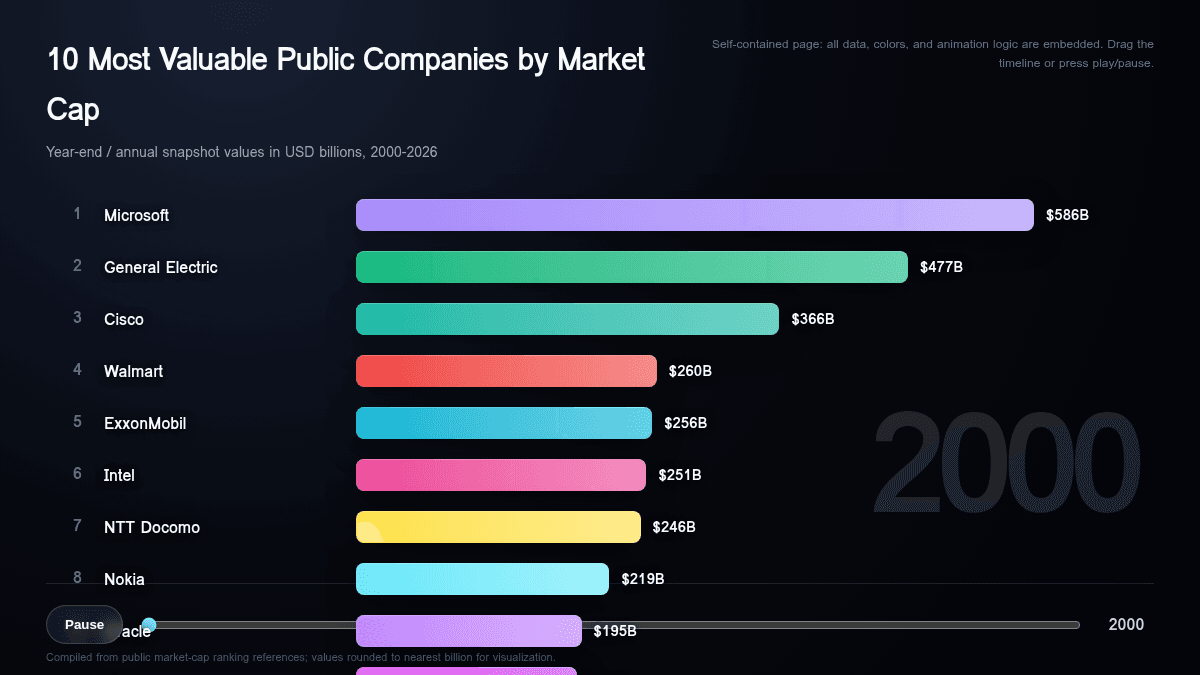
A research-backed data visualization with playback and timeline controls.
Research the 10 most valuable companies in the world for every year from 2000 to today, then build an animated bar chart race of the ranking. Bars smoothly swap positions, grow, and shrink as years tick by, with company names, values, and a big year counter. Embed all the researched data directly in the page so nothing loads at runtime. Include play/pause and a draggable timeline scrubber, and start playing automatically. Dark, elegant design with a distinct color per company and buttery smooth animations.
What can an AI website generator create?
Use one AI site builder for straightforward pages, complete websites, and interactive browser experiences.
Landing pages
Launch pages, waitlists, product announcements, and campaign pages with a focused call to action.
Small business websites
Sites for restaurants, agencies, consultants, and local businesses with services and contact details.
Portfolio websites
Personal sites for designers, developers, photographers, and other creative professionals.
Blogs and editorial sites
Article-led layouts with featured stories, categories, author details, and signup sections.
Interactive web apps
Calculators, quizzes, games, trackers, and other browser tools with working controls.
Data visualization sites
Interactive dashboards and visual stories built around charts, metrics, and researched data.
An AI website creator you can keep talking to
A one-shot website generator gives you a first draft. Julius keeps the work conversational: describe the initial site, review the result, and ask for targeted changes without starting over. That makes it useful for quickly exploring an idea and for refining a real website until it is ready to share.